1 Introduction
SecEd (Secure data Editor) is a free, open source tool that allows you to securely edit plaintext data in your local environment. It also provides a key/password strength tester. SecEd was written as a Python script using the wxPython package so it might be useful as a learning tool. Also, because it is a Python script, it runs on Windows and Linux. I have tested it on Ubuntu 11.10, CentOS 5.5 and Windows 7. It ran on all platforms the first time without any modifications which I thought was very cool for a GUI app. The package comes with a file called sample.txt that contains an example of secure information. The key is ‘S@mpl3’. Play with it to see how SecEd works. Put the key into the ‘Tools -> Key Strength…’ dialog to see how it rates. Please attach comments or suggestions for improvements to to this page.2 Downloads
You can download the package as either a bzip2 or zip archive from these links.- http://www.joelinoff.com/projects/seced/seced-0.9.1.tar.bz2
- http://www.joelinoff.com/projects/seced/seced-0.9.1.zip
- http://www.joelinoff.com/projects/seced/seced-0.9.tar.bz2 (checksum: 36706 326)
- http://www.joelinoff.com/projects/seced/seced-0.9.zip (checksum: 39348 333)
3 Installation Instructions
Because SecEd is a script all you need to do is untar or unzip the archives described in the Downloads section. To run it you will need need Python and wxPython package.3.1 Windows
On Windows I install it at the top level in C: and rename the directory to SecEd so that I can execute the program with this command:C:\Python27\python C:\SecEd\SecEd.py
There is a batch file called SecEd.bat that is provided with the release that will execute this command. You can simply click on it from the file listing to start the program. Here are the steps using cygwin.# This assumes that cygwin is installed.
cd /c
wget http://projects.joelinoff.com/seced/seced-0.9.1.zip
unzip seced-0.9.1.zip
rm -f seced-0.9.1.zip
mv seced-0.9.1 SecEd
# Run it
/c/SecEd/SecEd.bat
# Create an alias
# Both have the same functionality.
alias xx="c:/Python27/python c:/SecEd/SecEd.py c:/SecEd/mypasswds.txt"
alias xy="c:/SecEd/SecEd.bat c:/SecEd/mypasswds.txt"3.2 Linux
On Linux I install it in my local area under ~/work/seced. A directory called seced-0.9 is created. I then use a script similar the seced.sh script provided with release to run it.wget http://projects.joelinoff.com/seced/seced-0.9.1.zip
unzip seced-0.9.1.zip
rm -f seced-0.9.1.zip
python2.7 seced-0.9.1/SecEd.py4 wxPython
wxPython is a python package that allows you to quickly create applications with a native look and feel for platforms like linux, Mac and Windows using python scripts. Overall I was very impressed with it because of the rich collection of widgets, it’s native look and feel, and the fact that it is a python package. Unfortunately the documentation is poor for newbies. For example, you will find class documentation that mentions a style option as one of the arguments in the constructor but there is no link to what a style is and no local description so you might find yourself somewhat lost. Fortunately that weakness is mitigated by the extensive samples, access to the source code and numerous discussions on the web. I found the stackoverflow site particularly helpful.5 SecEd
This is my first GUI application using wxPython. It took a couple of days to write because I had to learn the package which was still pretty impressive. My motivation for writing it was personal. I have been managing my personal account information using emacs and perl for many years (since the 1990’s) and thought that it was time for a change. At first I wrote a CLI python script but then it occurred to me that it would be nice to have a cross platform GUI tool for doing the editing. Also, my original tool would write the plaintext data to a temporary file while editing in emacs which was a security risk. For the record, I am not a GUI developer so it probably took me more time that it would take others with more experience. I am also not good at look and feel issues so please be patient or feel free to fix them. Most of my work is in algorithm development, security, virtualization and cloud management so I am really more of a CLI guy. SecEd allows me to edit secure text data such that when it is stored on disk it is secure which means that is encrypted using Rijndael AES, compressed using bzip2 and MIME encoded). The data never exists in persistent form in a plaintext format.6 Screenshots
These screenshot were taken on Windows 7 because I had a tool called Cropper available that allowed me to conveniently capture some of the images to the clipboard which could then be edited with gimp.6.1 File Menu
Here is what the application looks on Windows 7 with the file menu opened (Alt-F).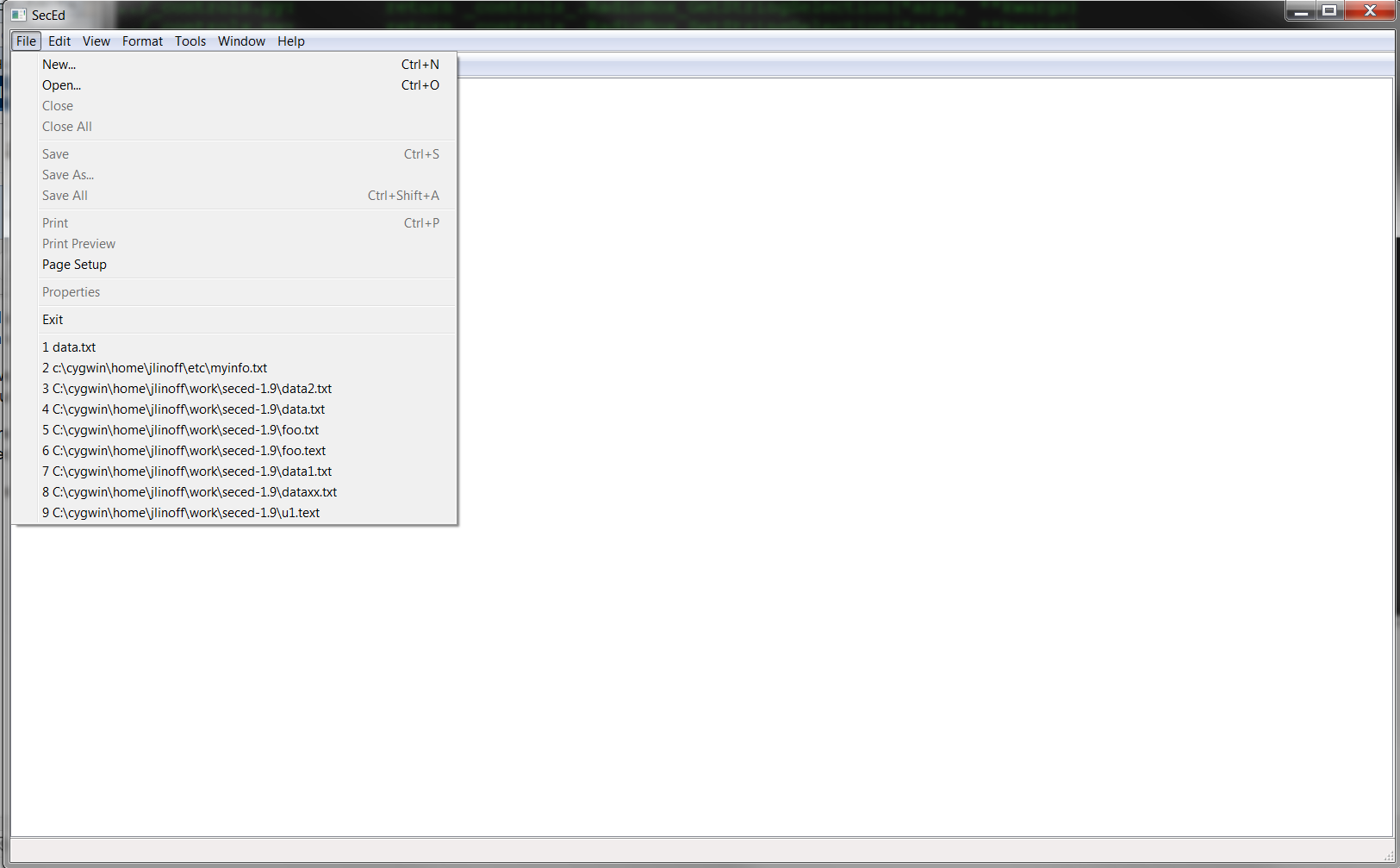
6.2 About Dialog
Here is what the about dialog looks like in Windows 7. It looks different on linux. Actually it looks different on each platform. I suppose that is because it uses the native look and feel.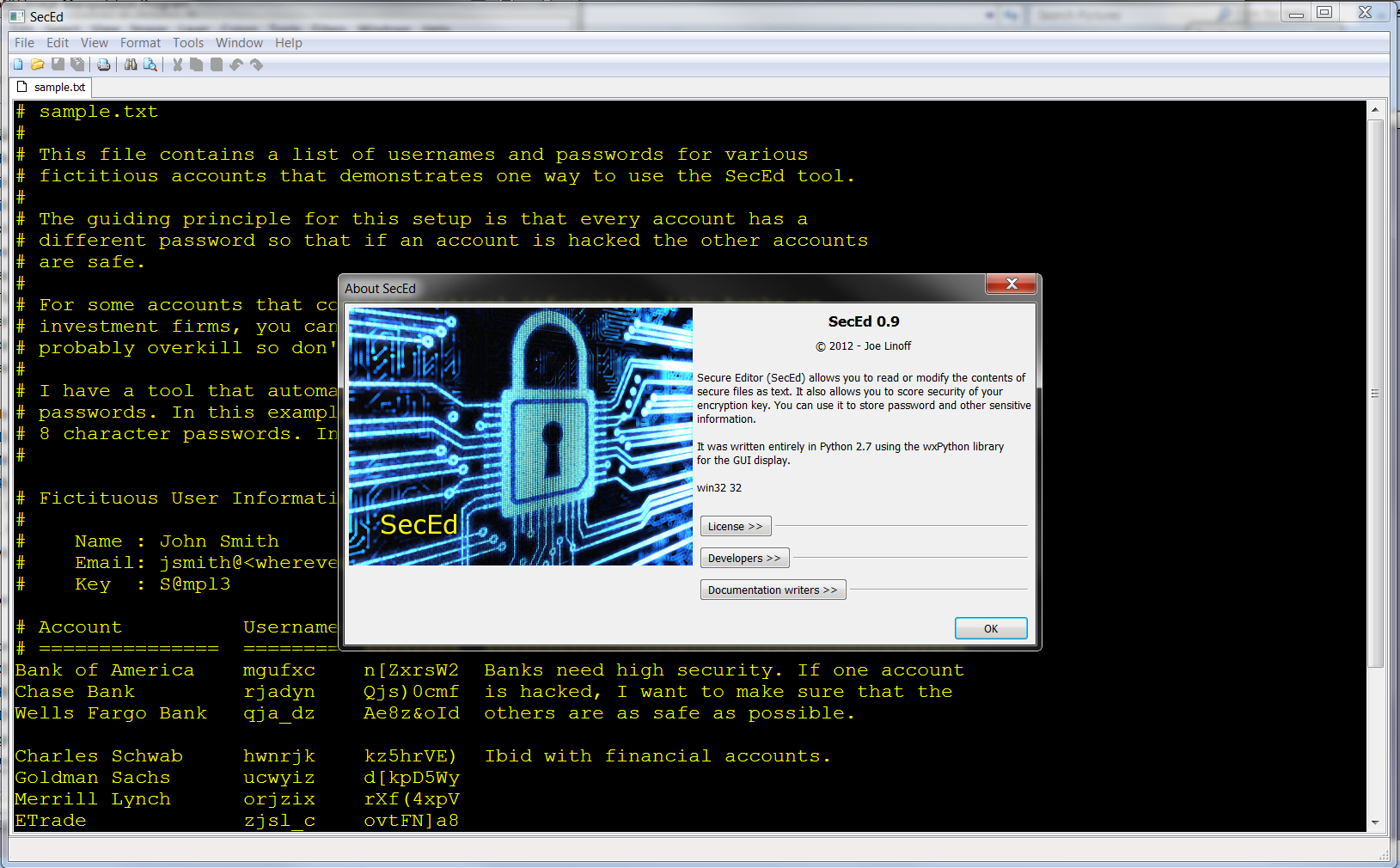
6.3 Help
Here is what the help looks like. It is very primitive.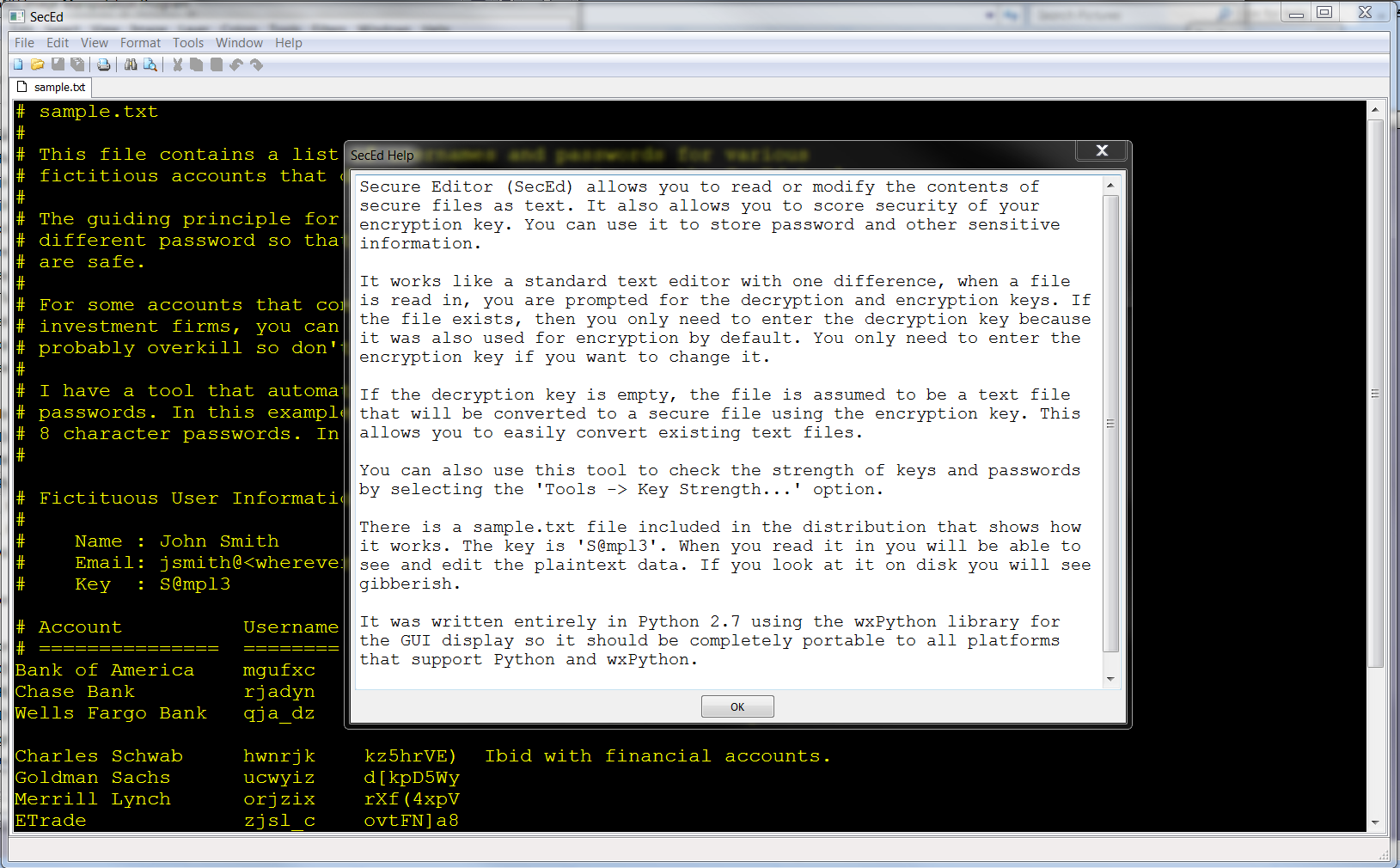
6.4 Sample
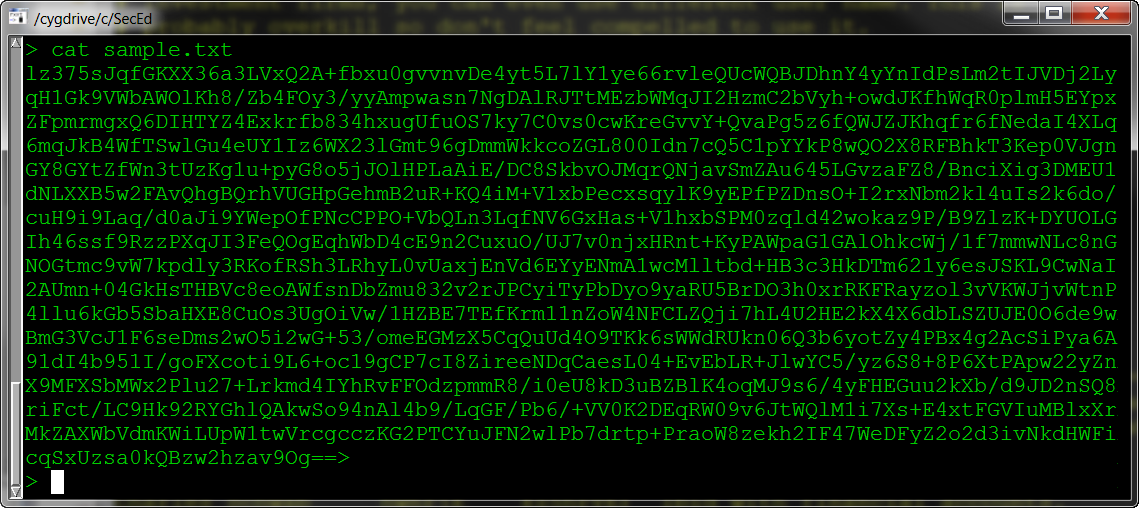
Here is what the sample data looks like in plaintext mode. Note that I selected the font and background colors. You are not tied to my color/font scheme. Remember that the key for the sample data is ‘S@mpl3’.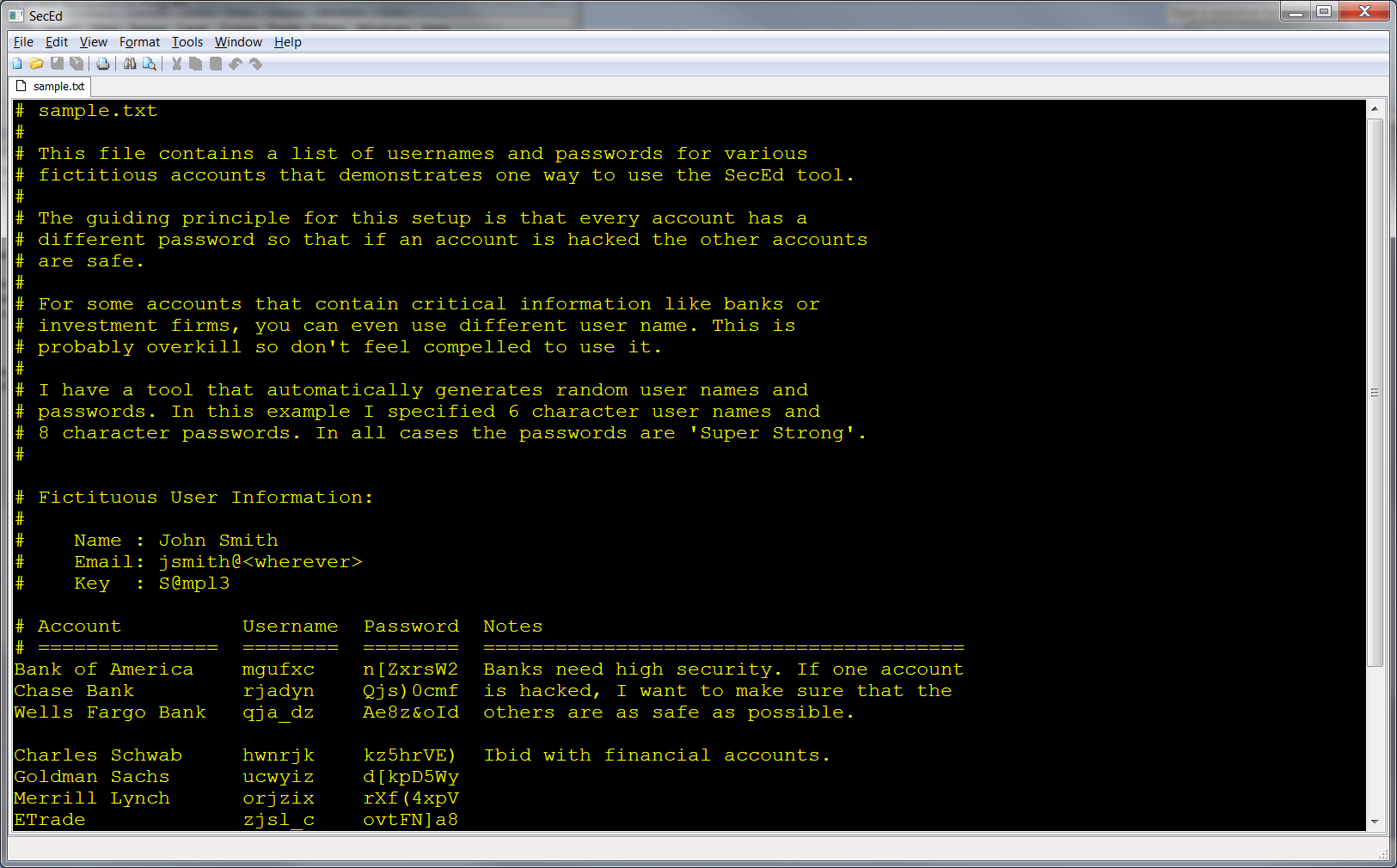 Here is what the sample data looks like on disk:
7 Key/Password Strength Checking
I added a feature to the tool to test the strength of passwords/keys (Tools -> Key Strength…) because I find it frustrating to hear statements like “we need to use 15 character passwords that change every 3 months to make our systems secure.” In my view such approaches make systems less secure because it is often the case that users have to write down their passwords to remember them. Instead, users should be aware of how using different classes of characters can help create very strong passwords using fewer characters (say 8 characters) that can be easily remembered. To facilitate that, I wrote this program so that users could test their passwords to see how strong they are. It is easy to see that a password like: “password” is extremely insecure because it is vulnerable to a simple dictionary attack whereas a password like “P@ssw0rd!” is more secure Here is what the password/key strength dialog looks like in SecEd.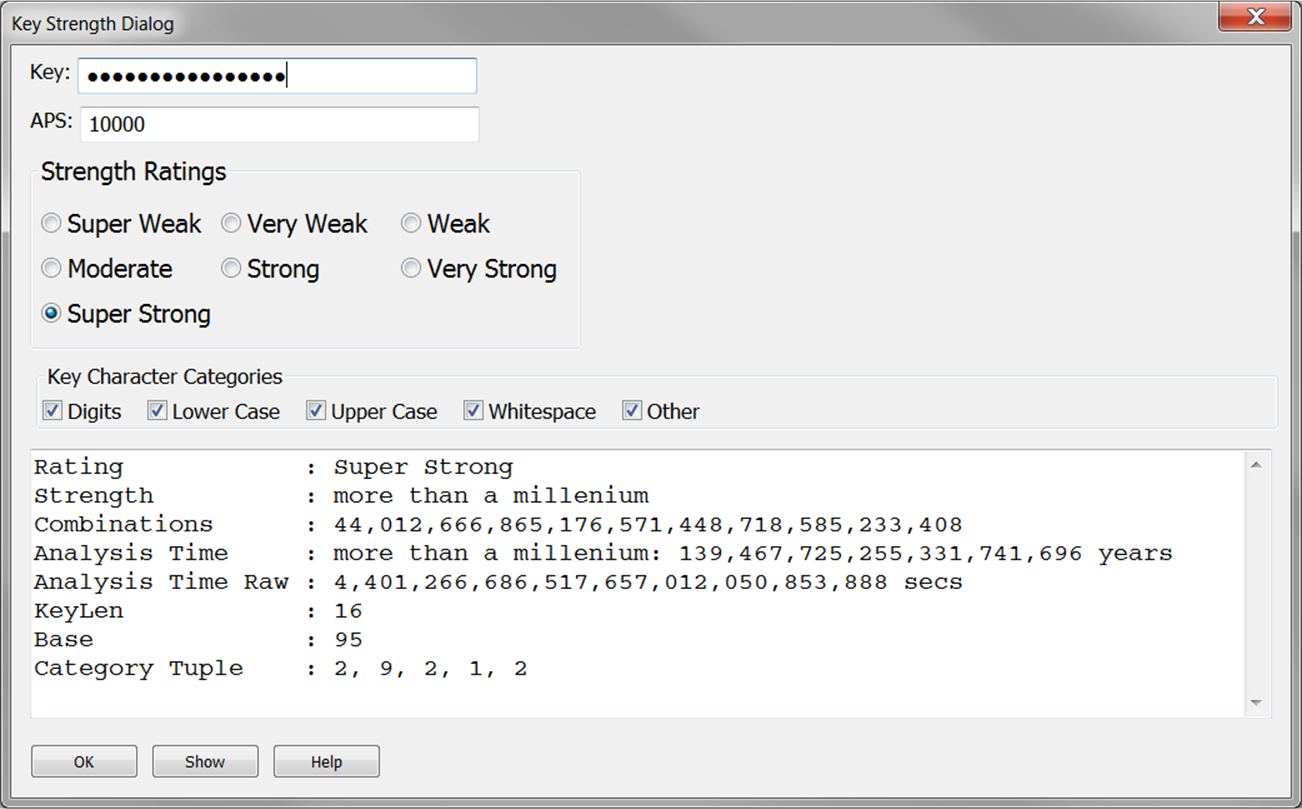
8 Security Issues
SecEd is not completely secure. The persistent (disk) data is safe but there are at least three ways that confidential information could be stolen from you:- Malware on your computer might be capturing screen shots and sending them to a bad actor. You would be vulnerable while editing. You can protect yourself from this attack by keep your security tools up to date.
- The plaintext in the editor might be visible to someone in close physical proximity. As with #1, you would be vulnerable while editing. You can protect yourself from this by taking common sense precautions.
- Someone could spoof the my archives (via click jacking or intrusion) with Malware that forwards confidential information. You only think that you are getting my software but in reality you are getting theirs. You can protect yourself from this attack by checking the checksums from this page.
Thank you for the advice, and your webpage truly looks very good. Just what wp theme are you employing?
Thank you. I am using the “Twenty Eleven” them.
That is something I must do more research into, appreciate the post.